
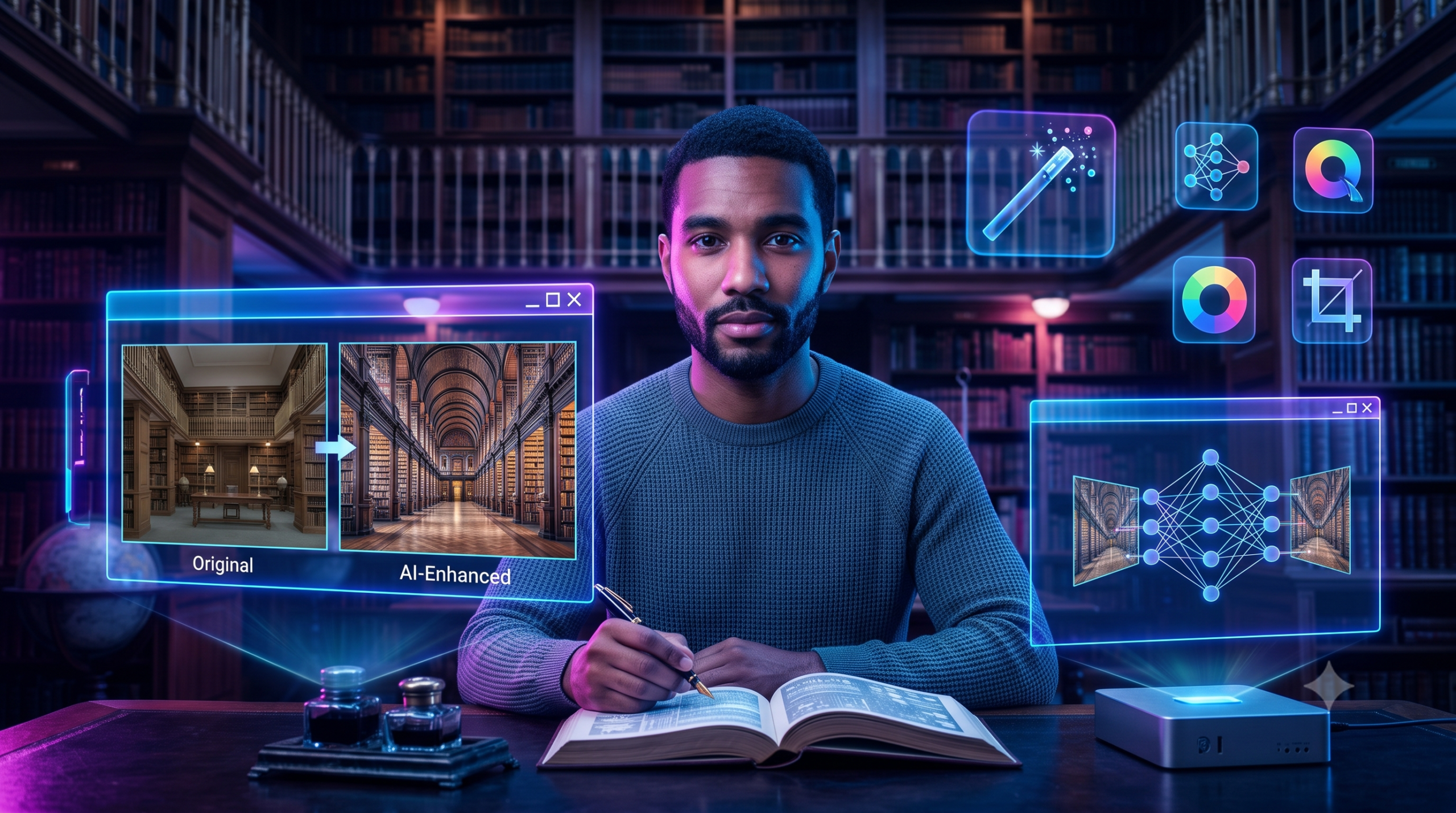
Artificial intelligence has completely changed the way we edit photos. What once required expensive software and advanced editing skills can now be done in just a few seconds with the help of AI. One of the most exciting tools in 2026 is Google Gemini AI, which allows users to transform ordinary photos into stunning works of art simply by using detailed text prompts.
Whether you’re a content creator, photographer, student, influencer, or someone who loves sharing photos on social media, Gemini AI makes professional-quality editing easier than ever. All you need is the right prompt, and the AI can completely change the mood, background, lighting, colors, or style of your image.
In this guide, you’ll discover some of the best original Google Gemini AI photo editing prompts that you can copy, customize, and use to create eye-catching images.
What Is Google Gemini AI Photo Editing?
Google Gemini AI Photo Editing is an AI-powered feature that lets users edit images by describing what they want in simple language. Instead of manually adjusting brightness, colors, shadows, or backgrounds, you simply tell Gemini what changes you want, and the AI generates the edited version.
For example, instead of spending 30 minutes creating a cinematic look, you can simply write a prompt asking Gemini to add dramatic lighting, natural depth of field, realistic rain, and HDR color grading.
This makes professional editing accessible even if you have no experience with editing software.
Why Use AI Photo Editing Prompts?
A well-written prompt helps Gemini understand exactly what kind of image you want. The more specific your prompt is, the better your results will be.
Here are some benefits of using detailed prompts:
- Create professional-quality edits in seconds.
- Save hours of manual editing.
- Generate realistic backgrounds and lighting.
- Improve portrait photography.
- Create viral social media content.
- Experiment with creative art styles.
- Produce consistent edits for personal branding.
How to Use Google Gemini AI for Photo Editing
Using Gemini AI is simple.
Step 1
Open Google Gemini and choose the image editing option.
Step 2
Upload your original image.
Step 3
Copy one of the prompts from this article.
Step 4
Paste the prompt into Gemini.
Step 5
Generate the edited image.
If the result isn’t exactly what you imagined, simply modify a few words in the prompt. Small changes often produce significantly different results.
Best Google Gemini AI Photo Editing Prompts
1. Cinematic Portrait Prompt
Transform this image into a high-end cinematic portrait while preserving the person’s facial features, hairstyle, skin tone, clothing, and identity exactly as they are. Add soft natural lighting, dramatic shadows, realistic depth of field, premium HDR color grading, subtle background blur, and a luxury DSLR photography look. Keep every facial detail sharp and realistic while creating a professional movie-style atmosphere.
2. Rainy Monsoon Portrait Prompt
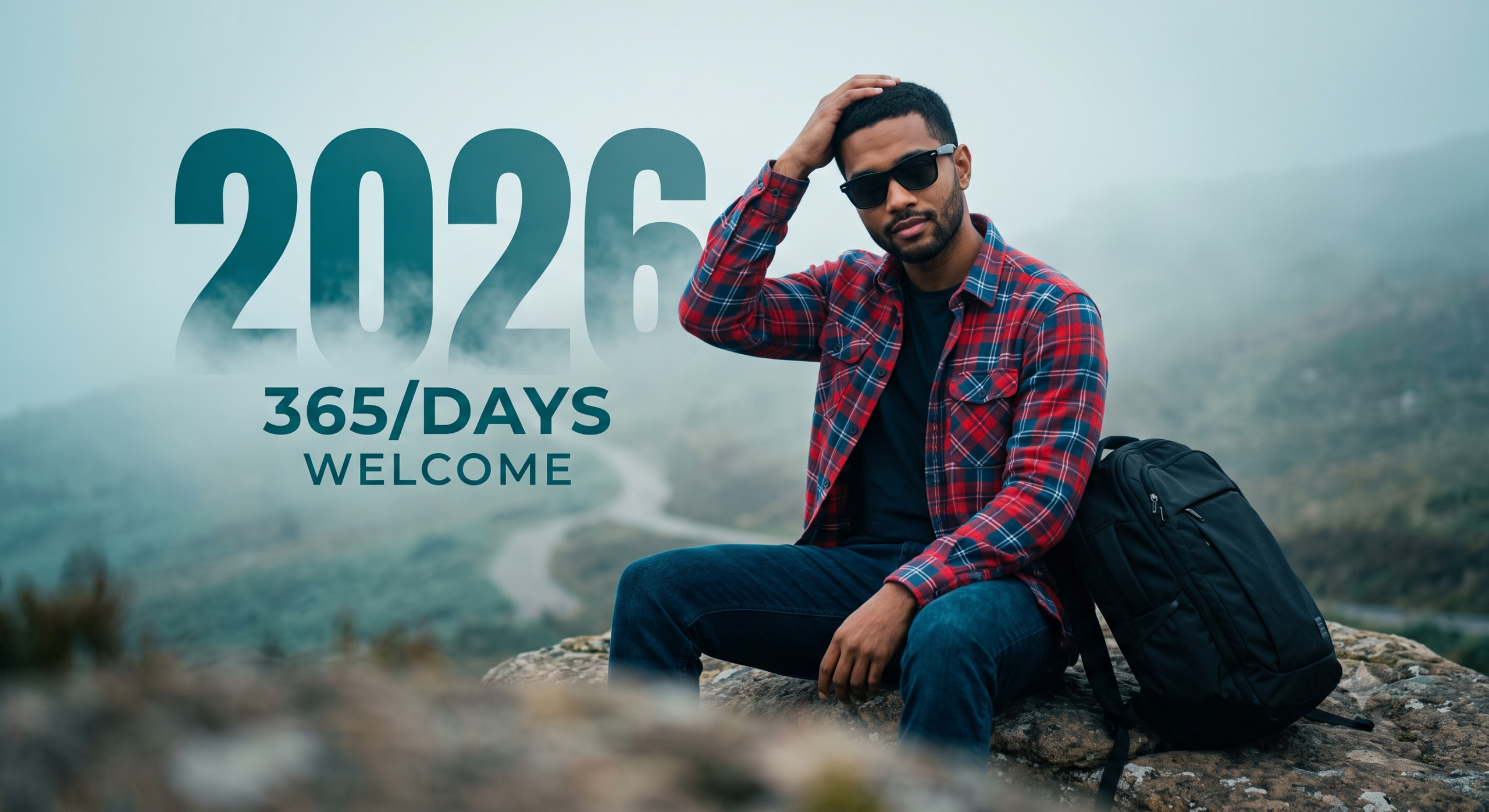
Keep the person’s face, hairstyle, outfit, expression, and identity exactly the same. Replace the background with a lush green monsoon landscape featuring soft rainfall, misty hills, wet roads, reflective puddles, dense trees, and dramatic clouds. Use natural daylight with realistic rain effects, cinematic HDR lighting, soft fog, and highly detailed DSLR-quality photography.
3. Luxury Studio Portrait Prompt
Create an ultra-realistic luxury studio portrait using this image. Maintain the person’s original facial features and expression. Add premium softbox lighting, a dark textured background, sharp focus on the face, smooth skin texture, realistic shadows, and elegant magazine-style color grading for a professional fashion photoshoot.
4. Sunset Golden Hour Prompt
Edit this image into a beautiful golden hour portrait. Preserve the person’s identity exactly while adding warm sunset lighting, orange and golden skies, soft lens flare, natural skin tones, shallow depth of field, and a cinematic outdoor atmosphere captured with a professional DSLR camera.
5. Snow Mountain Adventure Prompt
Transform this image into a realistic mountain adventure portrait. Keep the person’s appearance unchanged while placing them in a snowy mountain landscape surrounded by pine trees, icy peaks, fresh snowfall, and dramatic cloudy skies. Add cinematic lighting, natural fog, realistic winter colors, and ultra-detailed photography.
Tips for Writing Better Gemini Prompts
While Gemini AI is powerful, your prompt plays the biggest role in the final result. Here are a few tips:
- Clearly describe the lighting.
- Mention the background you want.
- Specify whether the image should be realistic or artistic.
- Include camera style (DSLR, mirrorless, cinematic, etc.).
- Mention HDR, depth of field, shadows, and color grading.
- Ask Gemini to preserve the person’s identity if editing portraits.
- Keep prompts detailed but easy to understand.
These simple improvements often lead to much better AI-generated images.
More Google Gemini AI Photo Editing Prompts
The right prompt can completely transform an ordinary image into something extraordinary. Below are more original prompts designed for different photography styles and creative edits.
6. Neon Cyberpunk Portrait Prompt
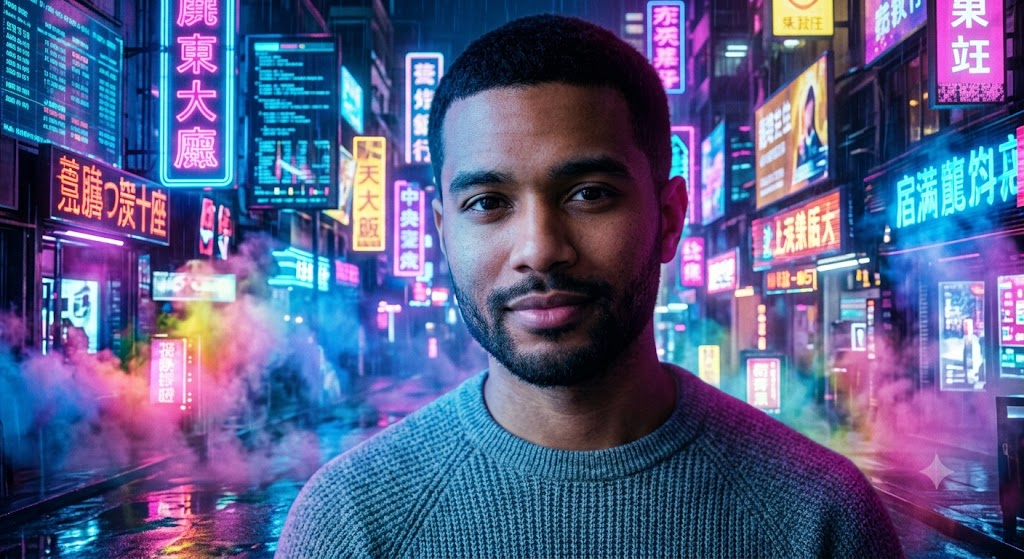
Transform this image into a futuristic cyberpunk portrait while keeping the person’s face, hairstyle, outfit, expression, and identity exactly the same. Create a vibrant city background filled with glowing neon lights, holographic billboards, rainy streets, reflections, colorful smoke, and cinematic blue and pink lighting. Use ultra-realistic HDR quality with professional DSLR-style sharpness.
7. Royal Palace Portrait Prompt
Edit this photo into a luxurious royal portrait. Preserve every facial feature exactly while placing the person inside a magnificent palace with golden interiors, crystal chandeliers, marble floors, elegant decorations, and warm ambient lighting. Give the image a premium editorial photography look with rich colors and fine details.
8. Desert Adventure Prompt
Keep the subject unchanged and replace the background with a breathtaking desert landscape featuring golden sand dunes, a dramatic sunset sky, gentle wind effects, and warm cinematic lighting. Add realistic shadows, sharp textures, and a high-end travel photography style.
9. Forest Fantasy Prompt
Transform this image into an enchanted forest scene with lush green trees, magical glowing lights, soft mist, colorful flowers, tiny floating particles, and warm natural sunlight filtering through the leaves. Keep the person’s identity exactly the same while creating a dreamy fantasy atmosphere.
10. Professional Office Portrait Prompt
Convert this image into a premium corporate portrait. Maintain the person’s appearance while placing them in a modern office environment with elegant interiors, glass walls, subtle lighting, premium furniture, and a clean professional background. Create a polished LinkedIn profile photo with natural skin tones and realistic lighting.
11. Luxury Sports Car Prompt
Keep the person’s identity unchanged and place them beside a modern luxury sports car on a stylish city street at night. Add cinematic lighting, wet roads, glowing reflections, soft fog, and realistic urban scenery. The image should look like a premium automobile advertisement captured using a professional camera.
12. Beach Vacation Prompt
Transform this image into a tropical beach vacation portrait featuring crystal-clear water, white sand, palm trees, blue skies, and warm sunlight. Preserve the subject’s facial features and clothing while enhancing the overall mood with vibrant colors and realistic vacation photography.
13. Black and White Classic Portrait Prompt
Create a timeless black-and-white portrait while preserving every facial detail. Use dramatic lighting, deep shadows, high contrast, fine skin texture, and classic studio photography aesthetics. The result should resemble an iconic magazine cover.
14. Luxury Café Lifestyle Prompt
Edit this image into a stylish café setting with elegant interiors, warm lighting, wooden furniture, coffee cups, and large glass windows. Keep the person’s appearance exactly the same while giving the photo a modern lifestyle and influencer aesthetic.
15. Rooftop City View Prompt
Transform this image into a cinematic rooftop portrait overlooking a glowing city skyline at sunset. Add dramatic clouds, golden lighting, realistic reflections, soft wind effects, and premium HDR color grading while preserving the person’s identity perfectly.
Common Mistakes to Avoid When Writing Prompts
Many users don’t get the desired results because their prompts are too short or unclear. Avoid these common mistakes:
- Using only one or two descriptive words.
- Forgetting to mention that the person’s identity should remain unchanged.
- Not describing the background in enough detail.
- Ignoring lighting and camera style.
- Mixing too many different visual styles in one prompt.
- Leaving out details such as weather, mood, or color grading.
A well-structured prompt gives Gemini enough information to generate more realistic and visually appealing results.
Pro Tips for Better AI Photo Editing
If you want your AI-edited photos to look truly professional, follow these best practices:
- Upload the highest-resolution image possible.
- Use clear, well-lit source photos.
- Describe the background in detail.
- Mention lighting, camera angle, and mood.
- Specify realistic textures and HDR quality.
- Request DSLR-quality output.
- Experiment with small prompt changes to refine the final image.
With practice, you’ll learn how a few extra descriptive words can make a dramatic difference in the quality of your results.
16. Vintage Film Camera Prompt
Transform this image into a nostalgic vintage portrait while keeping the person’s face, hairstyle, clothing, and identity exactly the same. Apply warm film tones, natural grain, soft contrast, faded colors, and classic analog camera aesthetics. The final image should resemble a professionally captured 35mm film photograph.
17. Luxury Hotel Lobby Prompt
Edit this image into a five-star hotel lobby with elegant architecture, marble flooring, grand chandeliers, modern furniture, and warm ambient lighting. Preserve every facial detail while creating a sophisticated and premium travel photography look.
18. Night Street Photography Prompt
Keep the subject exactly the same and place them on a lively city street at night with glowing streetlights, colorful shop signs, moving traffic, wet roads, and cinematic reflections. Use realistic lighting, rich contrast, and ultra-detailed HDR photography.
19. Mountain Lake Prompt
Transform this image into a peaceful mountain lake scene with crystal-clear water, green hills, snow-covered peaks, and soft morning sunlight. Preserve the person’s appearance while creating a calm and natural outdoor portrait.
20. Luxury Wedding Portrait Prompt
Create an elegant wedding-style portrait while keeping the person’s identity unchanged. Add luxurious decorations, floral arrangements, warm lighting, soft bokeh, premium color grading, and a high-end editorial photography style.
21. Moody Rain Street Prompt
Edit this image into a dramatic rainy city scene with dark clouds, falling rain, reflective streets, glowing lights, and cinematic shadows. Preserve the subject exactly while giving the image an emotional movie-inspired atmosphere.
22. Blooming Garden Prompt
Transform this image into a colorful botanical garden filled with blooming flowers, green plants, butterflies, and soft natural sunlight. Maintain the person’s identity while enhancing the image with vibrant colors and realistic depth.
23. Luxury Library Portrait Prompt
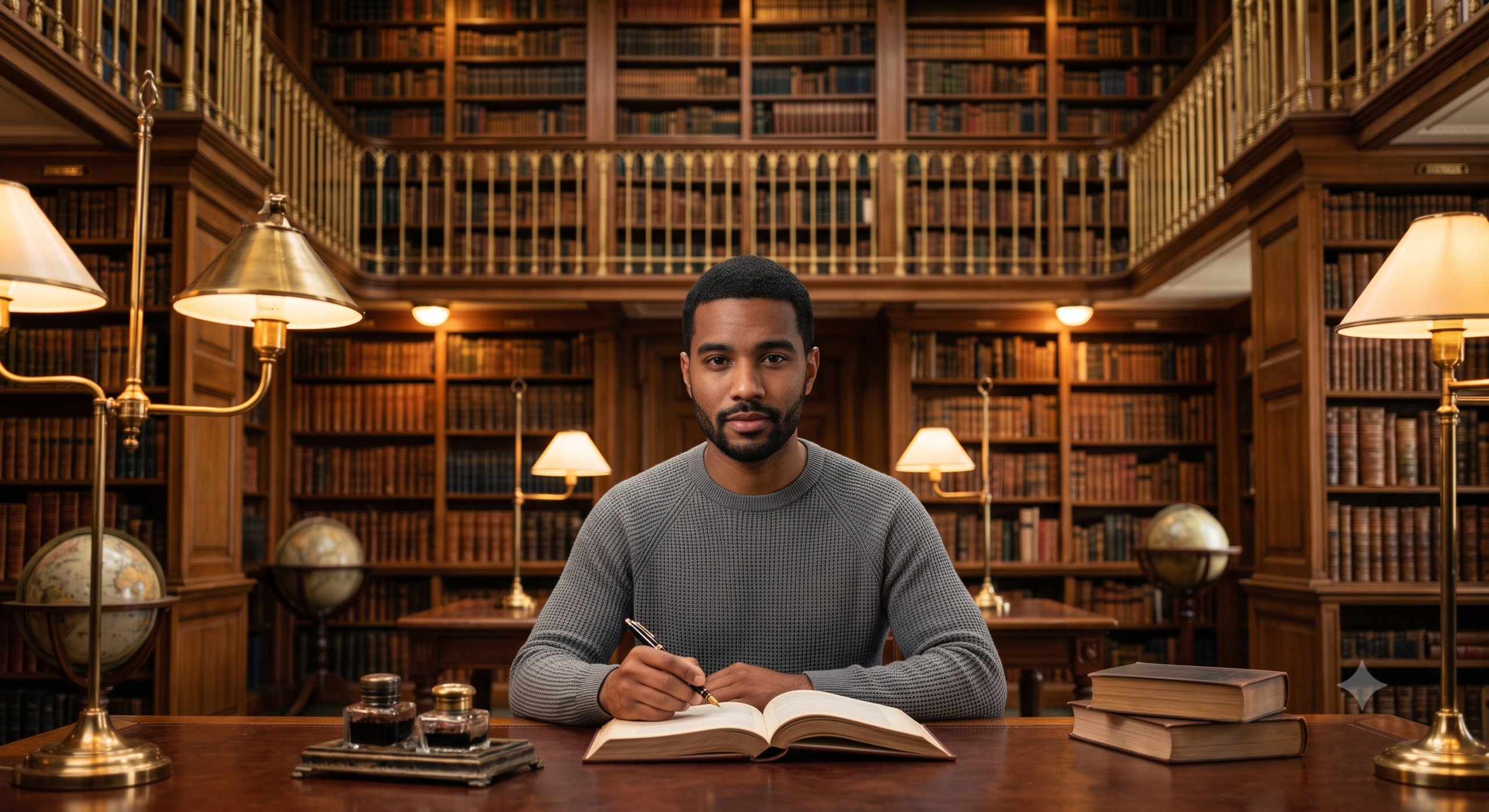
Place the subject inside a grand library with tall wooden bookshelves, vintage décor, warm reading lights, and elegant interiors. Preserve every facial detail and create a timeless, intellectual portrait with premium editorial quality.
24. Space Fantasy Prompt
Transform this image into a futuristic outer-space scene featuring stars, galaxies, colorful nebulae, glowing planets, and cinematic cosmic lighting. Keep the person’s appearance unchanged while creating a realistic science-fiction atmosphere.
25. Ultra HD Social Media Portrait Prompt
Create a premium social media portrait using this image. Preserve the person’s identity, hairstyle, facial expression, skin tone, and clothing exactly as they are. Enhance the image with natural skin tones, professional lighting, subtle background blur, HDR color grading, DSLR-quality sharpness, realistic shadows, and a clean modern aesthetic suitable for Instagram, Facebook, YouTube, or LinkedIn.
FAQs
Can Google Gemini edit existing photos?
Yes. Gemini can enhance existing images, replace backgrounds, improve lighting, adjust colors, and apply creative visual styles using natural language prompts.
Do I need photo editing skills?
No. One of the biggest advantages of Gemini AI is that you simply describe the result you want, and the AI handles the editing process.
What makes a good AI photo editing prompt?
The best prompts include details about lighting, background, camera style, mood, color grading, weather, and whether the person’s identity should remain unchanged.
Can I use these prompts for social media?
Absolutely. These prompts are suitable for creating portraits and creative edits for Instagram, Facebook, YouTube thumbnails, LinkedIn, and other social platforms.
Can I customize these prompts?
Yes. You can change the background, lighting, weather, colors, mood, or photography style to create a unique result that matches your vision.
Final Thoughts
Google Gemini AI has made professional-quality photo editing faster and more accessible than ever. Instead of spending hours learning complex editing software, you can achieve impressive results with well-written prompts in just a few moments.
The prompts in this guide are designed to give you a strong starting point, whether you want cinematic portraits, luxury lifestyle images, travel photography, fantasy scenes, or polished social media content. Feel free to experiment with different backgrounds, lighting conditions, and artistic styles to create images that reflect your own creativity.
As AI technology continues to evolve, the quality of image editing will only improve. Learning how to write detailed prompts today will help you get even better results in the future. Save your favorite prompts, refine them over time, and build your own collection of creative ideas for every type of photo editing project.